The AI Calorie Counter That Works From One Photo
Take a picture of your food — get calories, protein, carbs and fat in seconds. No searching databases, no weighing, no guesswork. Just snap, save and stay on track.
Free to download · iPhone, iPad & Android · English, Français, Deutsch, Русский, Español
Calorie counter by photo · iOS & Android · Free
Everything You Need to Lose Weight — In One Calorie Tracker
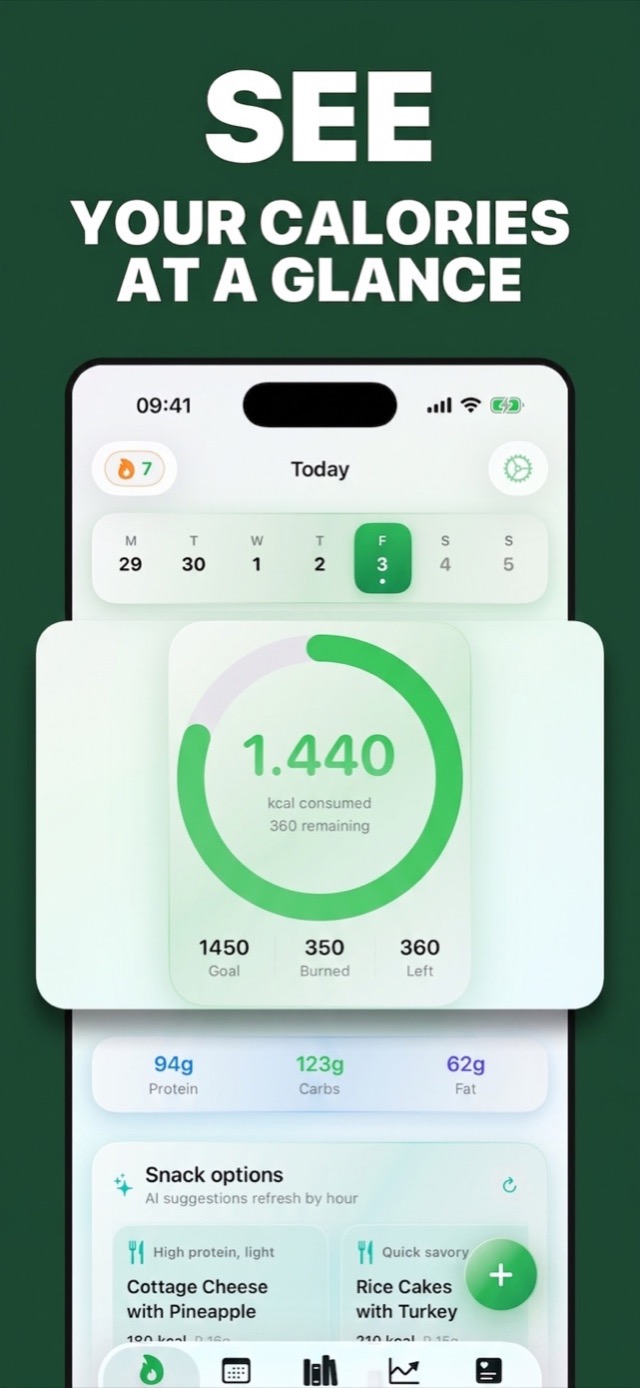
Photo food logging, a live calorie ring, AI meal ideas, water and weight tracking, and streaks that keep you going.
Count Calories in 3 Steps — About 10 Seconds Per Meal
Manual calorie counting fails because it's tedious. Photo logging removes the friction, so you actually keep going.
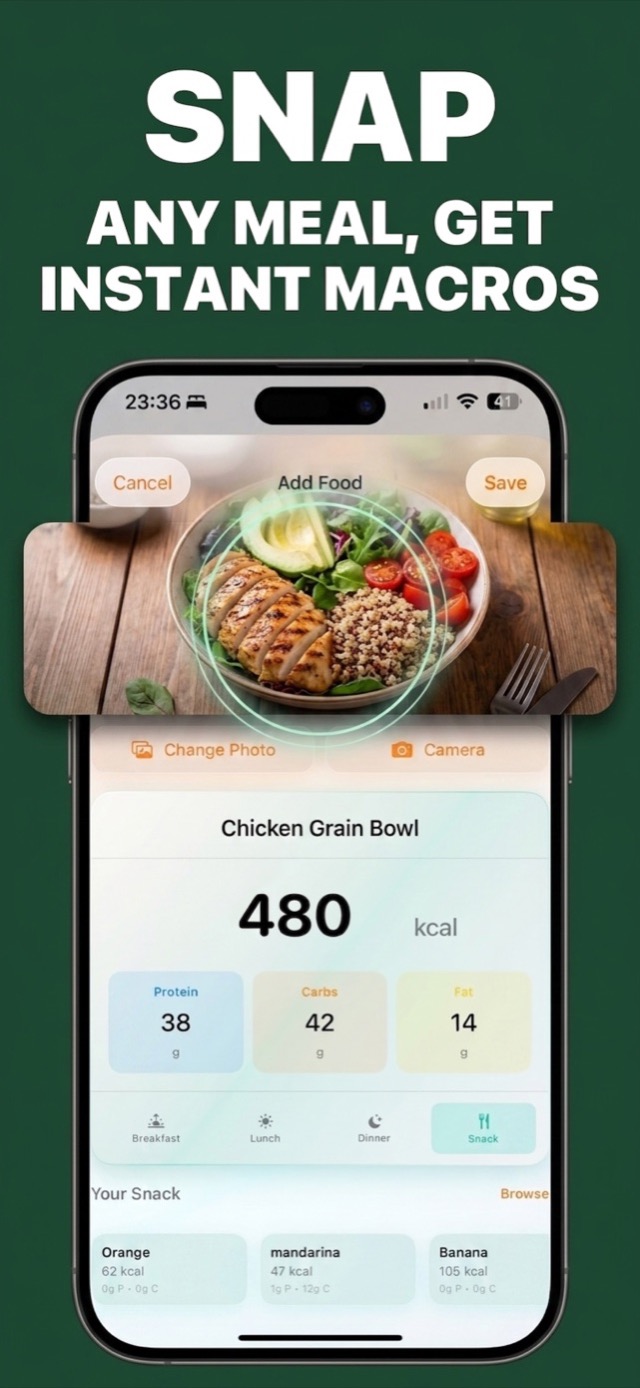
Snap a photo of your food
Point your camera at any plate — home cooking, restaurant meals, snacks, mixed cuisines. Or speak it, type it, or scan a barcode.
AI counts calories & macros
The AI identifies the dish and estimates calories, protein, carbs and fat. Adjust anything with a tap — the app remembers your corrections.
Watch your progress
Your calorie ring, macro totals, weight graph and streak update instantly — and sync to Apple Health and iCloud automatically.
More Than a Calorie Calculator
AI Photo Food Recognition
The food scanner recognizes a wide range of dishes and cuisines and returns calories and full macros in seconds.
Daily Calorie Goals
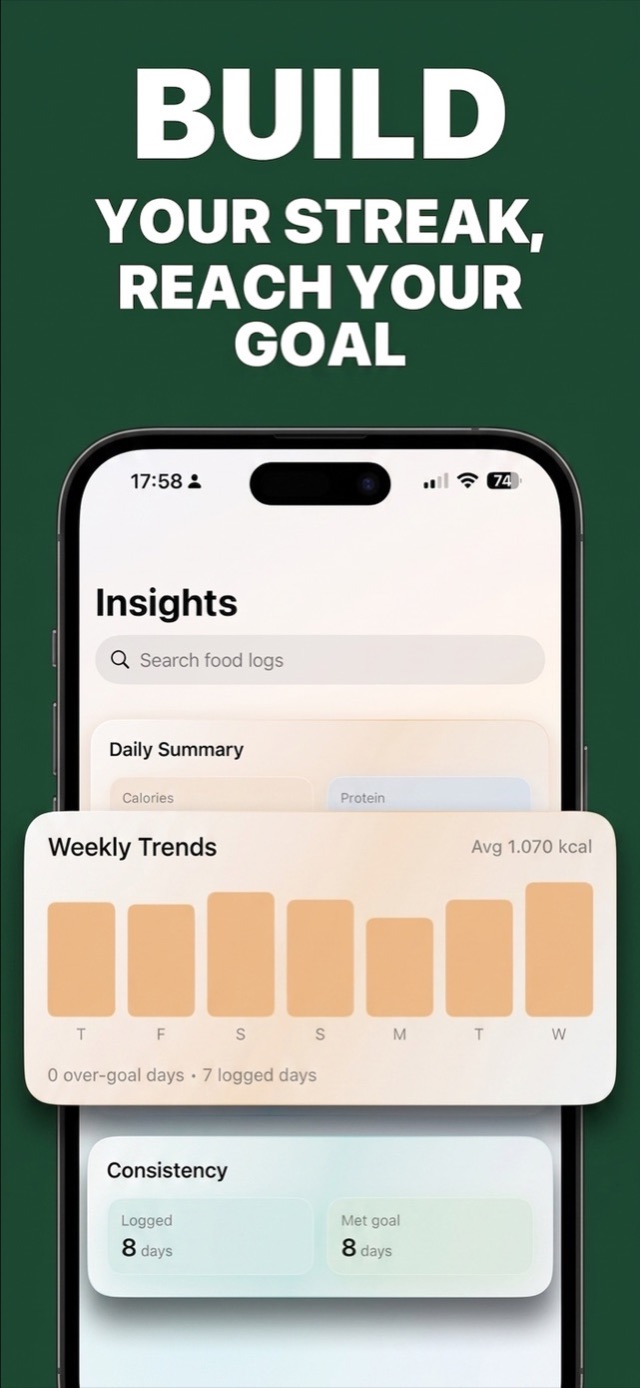
Set your calorie target — even a different goal for each weekday — and watch the ring fill as you log.
AI Meal Ideas
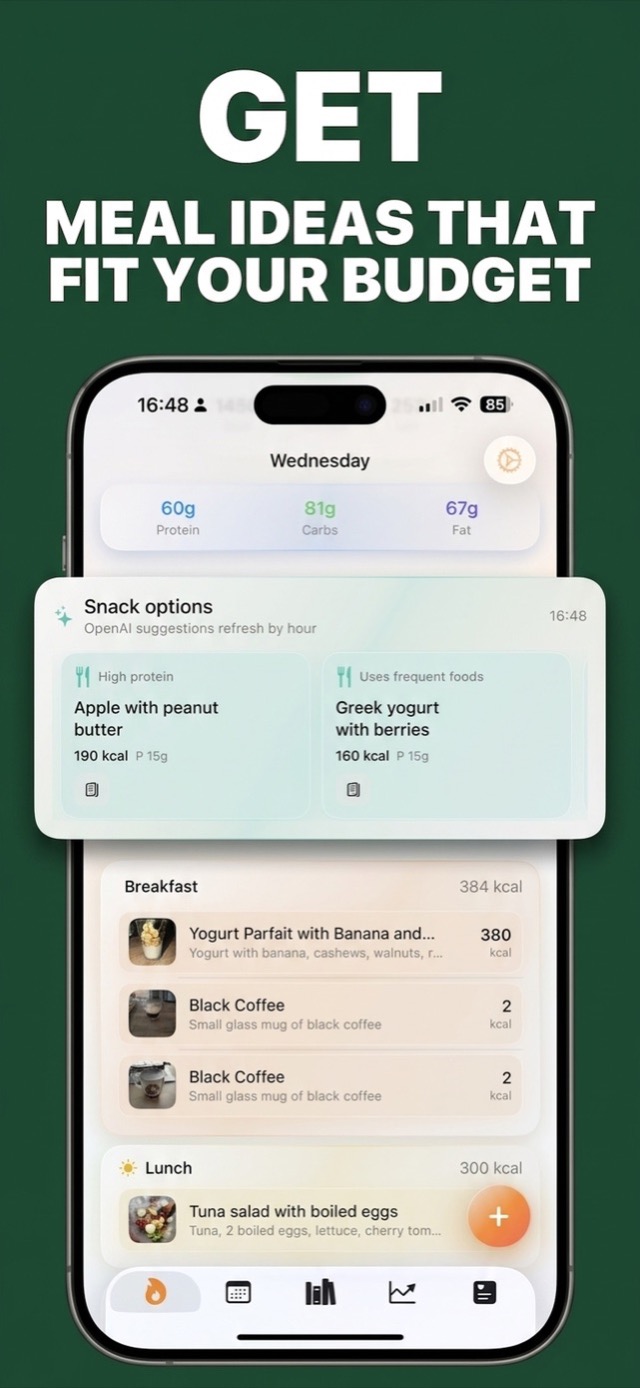
Snack and meal suggestions that fit the calories you have left, refreshed by time of day and built around foods you already eat.
Water Intake Tracker
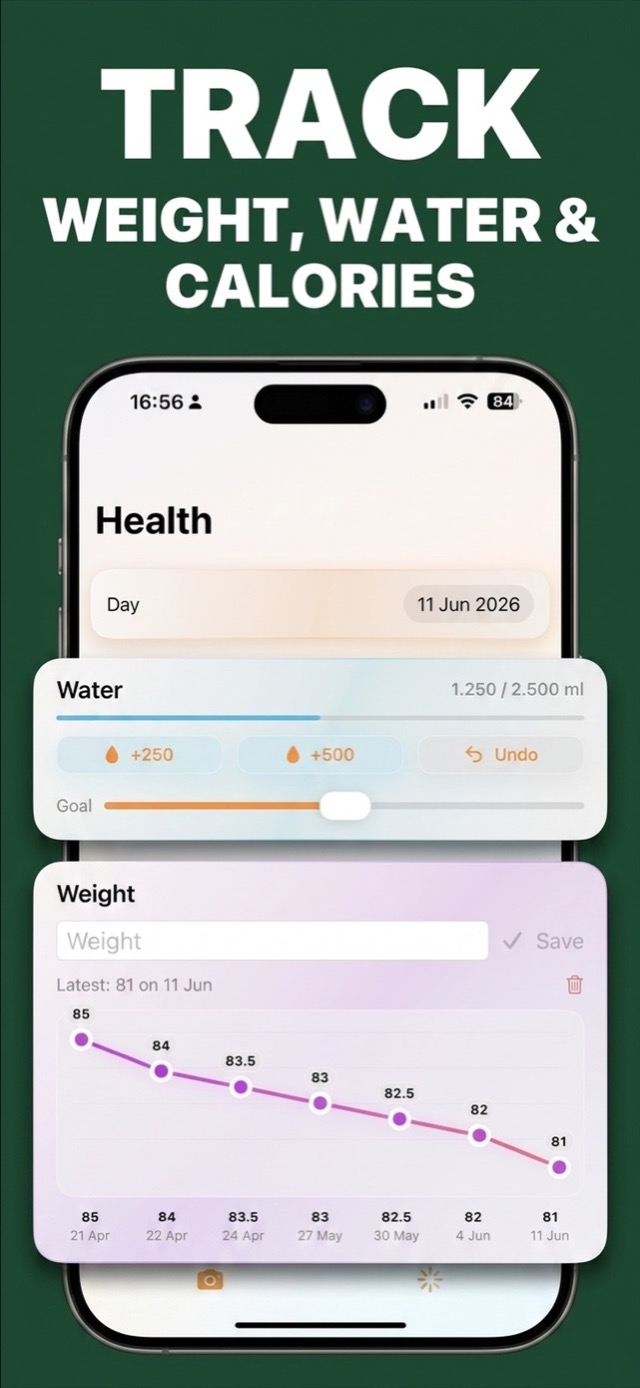
One-tap +250/+500 ml logging against a daily hydration goal, right next to your food log.
Weight Trend Graph
Log your weight in seconds and see the trend line that actually matters — direction over weeks, not daily noise.
Apple Health + iCloud
Macros and weight sync with Apple Health; iCloud keeps iPhone and iPad identical. Private by design — no account needed.
Calorie Tracking Guides
Practical answers to the questions everyone asks — and exactly how to do it in the app.
How to Count Calories by Taking a Picture of Your Food
Photo-based calorie counting explained: what AI can recognize, how to get the best estimates, and a 10-second logging routine.
Read the guide → Weight lossHow Many Calories Should I Eat a Day to Lose Weight?
Find your maintenance calories, pick a safe deficit, and set a daily goal you can actually hit — step by step.
Read the guide → MacrosHow to Track Macros for Beginners (Without Weighing Everything)
Protein, carbs and fat made simple — targets by goal, and how AI photo logging fills in your macros automatically.
Read the guide → AccuracyHow Accurate Are AI Calorie Counters?
What photo AI gets right, where estimates drift, and why correction memory makes your tracker sharper every week.
Read the guide → HydrationHow to Track Your Daily Water Intake (and How Much You Need)
Realistic hydration targets and a one-tap logging habit that lives right next to your food diary.
Read the guide → Apple HealthA Calorie Counter That Syncs With Apple Health
How nutrition, weight, steps and active energy flow between the app and Apple Health — set up in one minute.
Read the guide → Meal ideasHealthy Low-Calorie Meal Ideas for Weight Loss
Meals and snacks that fit a calorie budget — and how the app suggests ideas from the calories you have left today.
Read the guide → ConsistencyHow to Stay Consistent With Calorie Tracking
Why most people quit in week two — and the streaks, reminders and 10-second logging that keep you in the game.
Read the guide →Frequently Asked Questions
Can I count calories by taking a picture of my food?
How many calories should I eat a day to lose weight?
How accurate are AI calorie counters?
How do I track macros (protein, carbs and fat) as a beginner?
Does Calories AI Calculator sync with Apple Health?
Can I track water intake and weight in the same app?
What are healthy low-calorie meal ideas for weight loss?
How do I stay consistent with calorie tracking?
Is Calories AI Calculator free?
Is Calories AI Calculator available on Android?
Your Next Meal Is the Easiest One to Log
Download Calories AI Calculator free on iPhone or Android, snap your next plate, and see your calories and macros before you've picked up the fork.